
Reference

55bh App — Your Lobby on Any Device

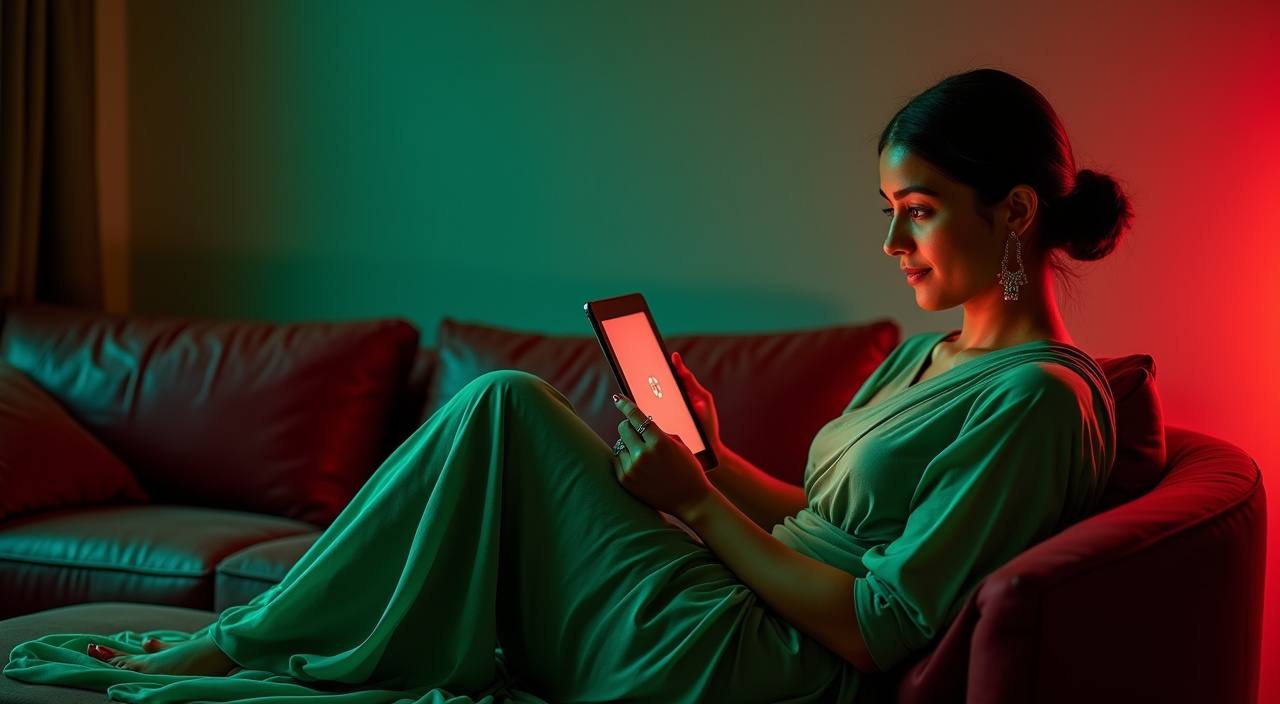
55bh runs fully in your mobile browser — no download required to reach live tables, slots, or the sportsbook. Open the site on your phone, sign in, and the full lobby loads in seconds. Availability depends on your local law and eligible regions.

mobile browser accessaccount wallet readydevice continuityavailability checkcricket betting included
55bh 55bh App — Your Lobby on Any Device
55bh Full Features in Your Pocket

Full Features in Your Pocket

The 55bh mobile experience is built around returning users who want to move fast. Fingerprint login gets you past the sign-in screen without typing a password each time. Push notifications let you know when a live table opens or a crash game round is starting — useful if you follow Aviator or Crash Blitz between matches. Quick deposit from your bKash or

Nagad wallet sits one tap from the lobby, so you are not hunting through menus. The interface adapts to portrait and landscape, and players in Dhaka reach the live baccarat lobby in seconds on a standard 4G connection. Dark mode reduces eye strain during late sessions, and the betslip stays pinned while you browse other markets.

55bh Mobile Access in 3 Steps

Mobile Access in 3 Steps

Getting into the 55bh lobby on your phone does not require an APK file or an app-store download. Open your mobile browser — Chrome on Android and Safari on iOS both work — and navigate to 55bh. If you want the site to behave like an app, use your browser's 'Add to Home Screen' option; the icon will sit on your home

screen and open directly to the lobby without the browser address bar. Sign in with your credentials or complete a quick OTP verification if it is your first time on this device. Your account wallet, game history, and saved payment methods carry over automatically from any previous session on another device.

  • Open 55bh — Type the address into your mobile browser or tap a saved bookmark. No app store needed.
  • Add to Home Screen — Use your browser's share or menu option to pin the site as a home-screen shortcut for one-tap access next time.
  • Sign In Securely — Enter your credentials and complete OTP verification if prompted. Biometric login activates after your first successful sign-in on the device.
  • Check Your Wallet — Your bKash, Nagad, or Rocket balance links are visible in the deposit panel as soon as you are logged in.
DEVICE COMPATIBILITY CHECK

What Works and What to Check

Most modern Android and iOS devices access the full lobby without any configuration. If something looks off, the checklist below covers the common causes.

Method Payout time Speed
Browser Version Chrome 90 or later on Android and Safari 14 or later on iOS cover the full feature set. Older browsers may not render live table streams correctly. Fast
Screen Layout The lobby reflows for screens from 360px wide upward. Tablets open a wider grid view automatically; no separate URL is needed. Fast
Account Requirements A verified account is required to access deposits and withdrawals. Identity verification is completed once inside account settings. Medium
Supported Regions Access depends on your local law and eligible regions. If the lobby does not load, your region may not be currently supported. Medium
Connection Quality Live casino streams from Evolution and Pragmatic Play work on 4G and stable Wi-Fi. A weak signal may cause buffering on live tables specifically. Slow
APP FEATURE SNAPSHOT

Four Things That Make It Work

These are the features our mobile interface is built around — each one designed to cut friction for returning users on a phone screen.

Fingerprint Login Skip the password screen on return visits. Your device biometric unlocks the account directly, keeping the path from phone to lobby as short as possible.
Push Notifications Get an alert when a live table you follow opens or a high-cap slot feature triggers. You choose which events send a notification in account settings.
Dark Mode The interface switches to a dark palette automatically based on your device setting, or you can toggle it manually inside the app menu at any time.
Quick Deposit Your bKash, Nagad, or Rocket wallet is accessible from a persistent chip row. Confirm with your PIN and the balance reflects in your account wallet immediately.

Common Questions About 55bh App Access

Straight answers to what people actually ask before they open an account.

No APK is needed. The full lobby runs in your Android browser. You can add the site to your home screen for shortcut access without any file download.

Yes. Open 55bh in Safari on iOS, sign in, and the lobby loads normally. Use 'Add to Home Screen' from the Safari share menu for quick return access.

Fingerprint login activates after your first successful sign-in on a device. Your browser must support the Web Authentication API, which Chrome and Safari both do on current devices.

Yes. The deposit panel on mobile shows your bKash, Nagad, and Rocket options in the same chip row as desktop. Confirm with your wallet PIN and the balance updates in your account wallet.

Your account state, wallet balance, and game history sync across devices. Sign in on desktop and everything from your mobile session is already there.

Yes. The sportsbook section includes cricket markets — BPL, international fixtures, and other series — accessible from the same mobile lobby as slots and live tables.
Reference

55bh App

Service availability depends on eligible regions and local law. Users should check local rules before opening an account.

Access may be available only where local law permits.